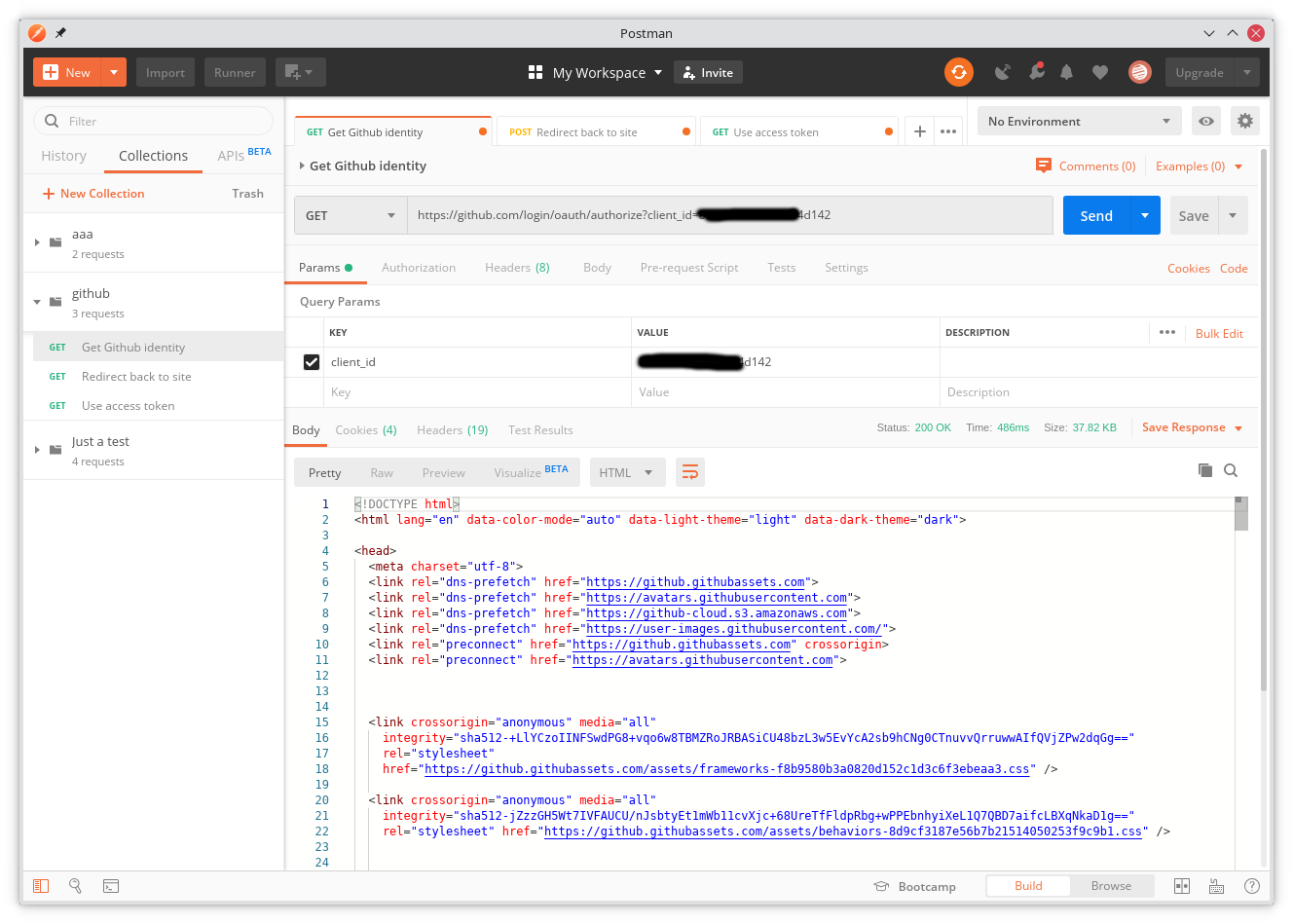
Using GitHub OAuth Apps
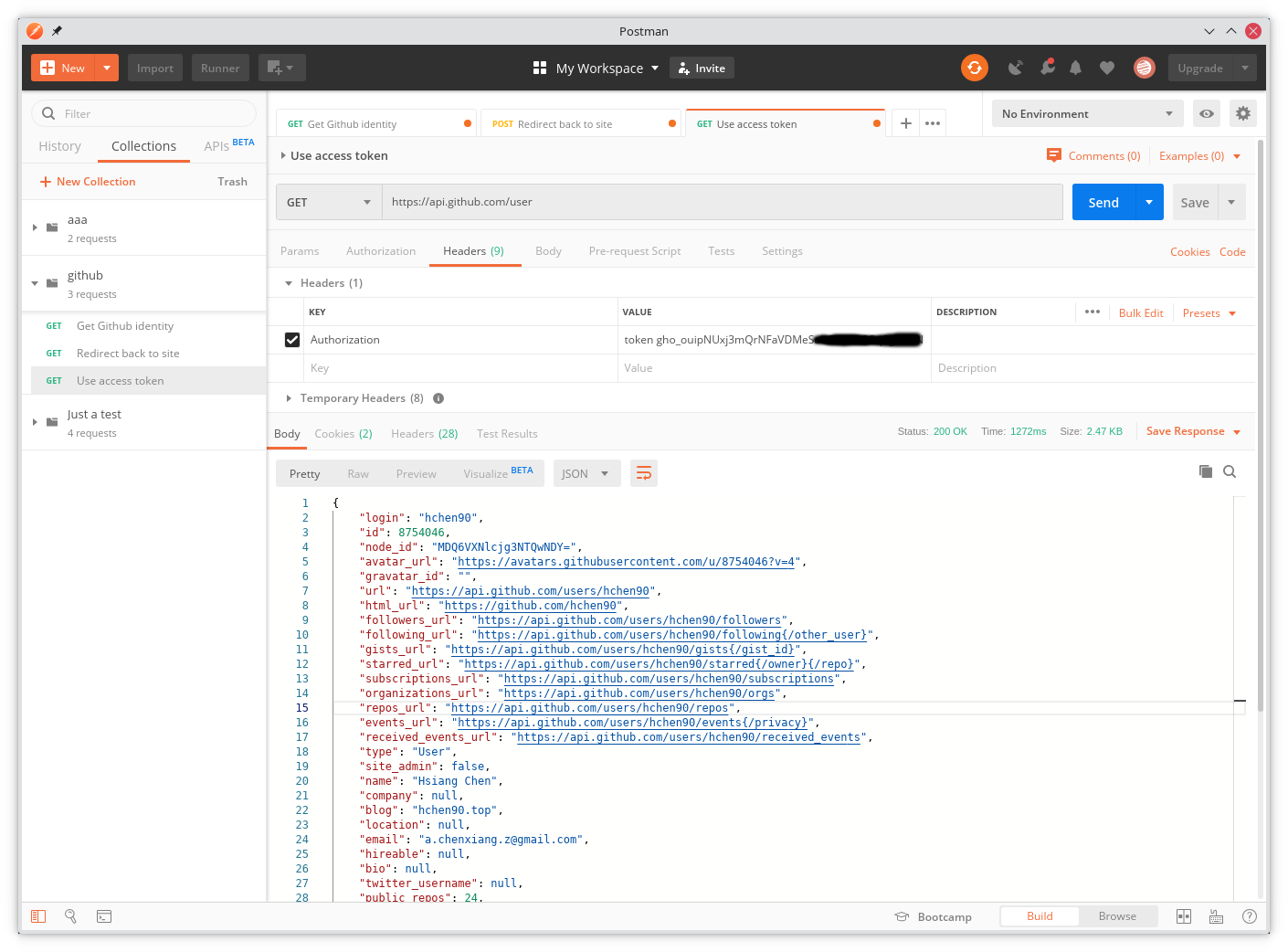
GitHub offers two kinds of apps: regular Apps (often used for automation bots) and OAuth Apps that act on behalf of a signed-in user. With an OAuth App you can call GitHub APIs that the user authorized—profile data, repository changes, account settings, and more.
What is OAuth 2
OAuth (Open Authorization) is an open standard that lets users grant a third-party app access to data stored at another provider without sharing their password. OAuth 2.0 is the successor to OAuth 1.0 and is not backward compatible.
GitHub OAuth Apps
OAuth 2 lets an external app read private GitHub account data without collecting the user’s password. The OAuth App uses GitHub as the identity provider. Tokens are scoped and can be revoked at any time, which is safer than handing out a password.
An OAuth App behaves like an authenticated user and is usually hosted on a site that receives the OAuth redirect with callback parameters.
See the GitHub docs on apps for more detail.
Creating an OAuth App on GitHub
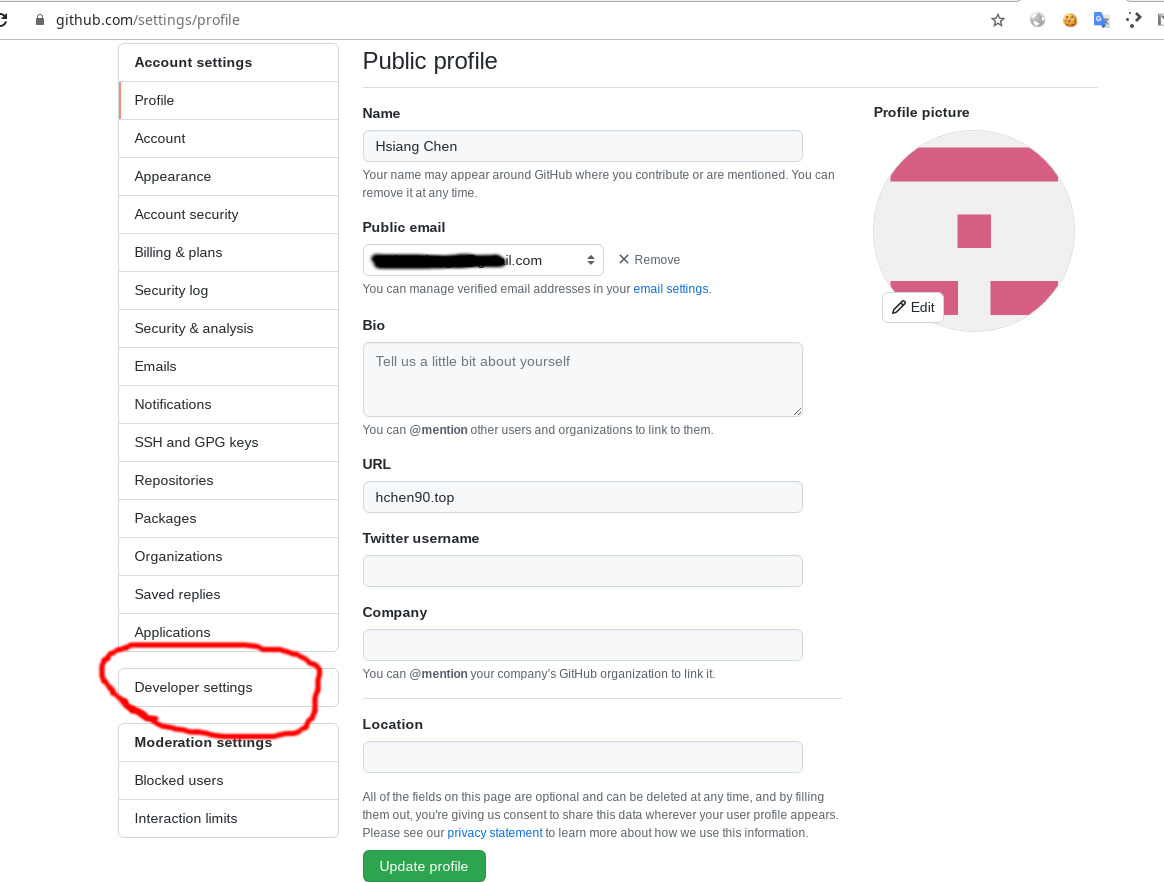
Sign in to GitHub, open Settings → Developer settings, then create a GitHub OAuth App (not a GitHub App).
Developer settings
In the left sidebar under personal settings, open Developer settings.
Create an OAuth App named blogchat:
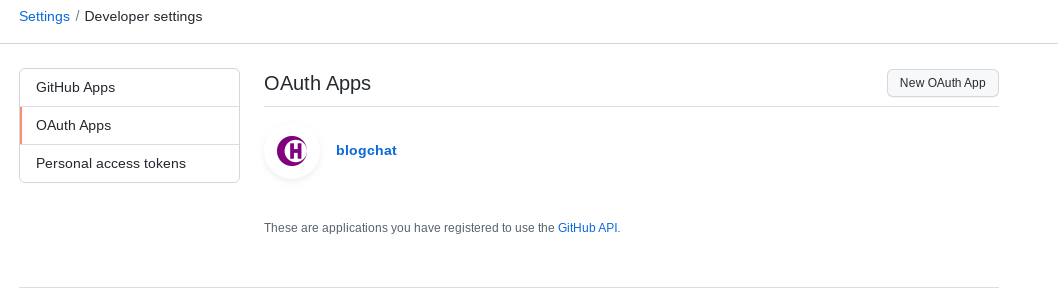
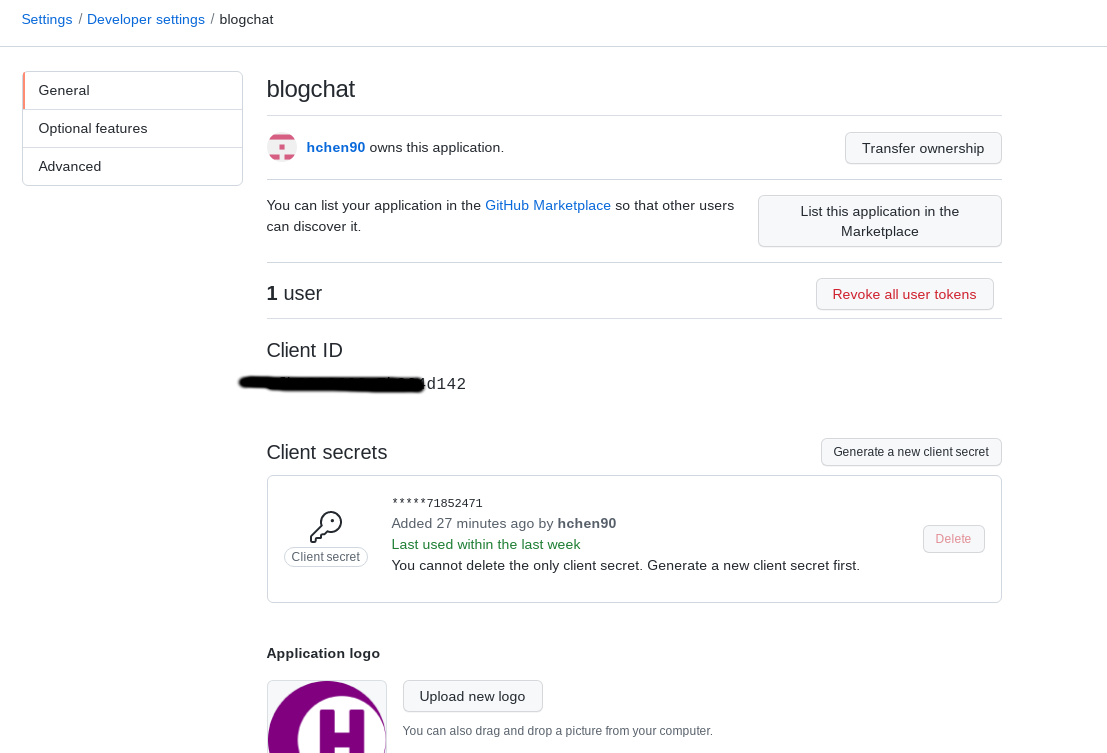
After creation you get a Client ID, Client secrets, and can change the logo:
Two important fields are the Homepage URL and the Authorization callback URL:
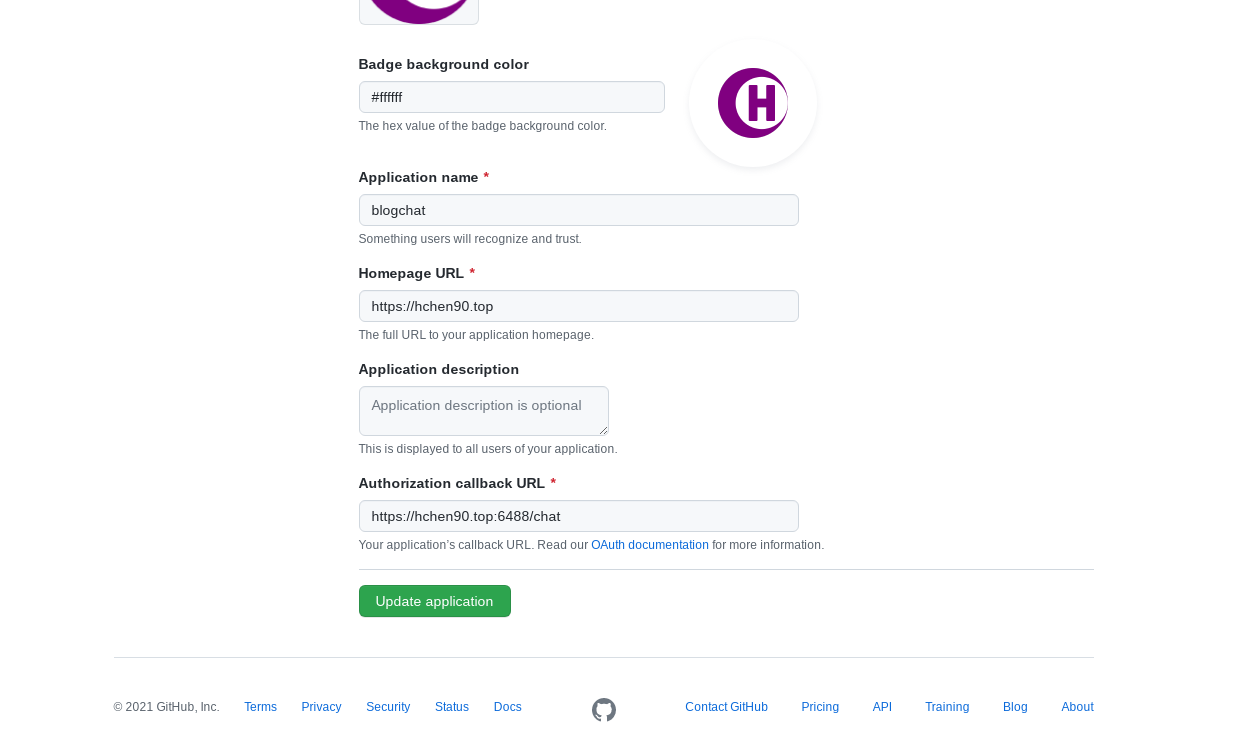
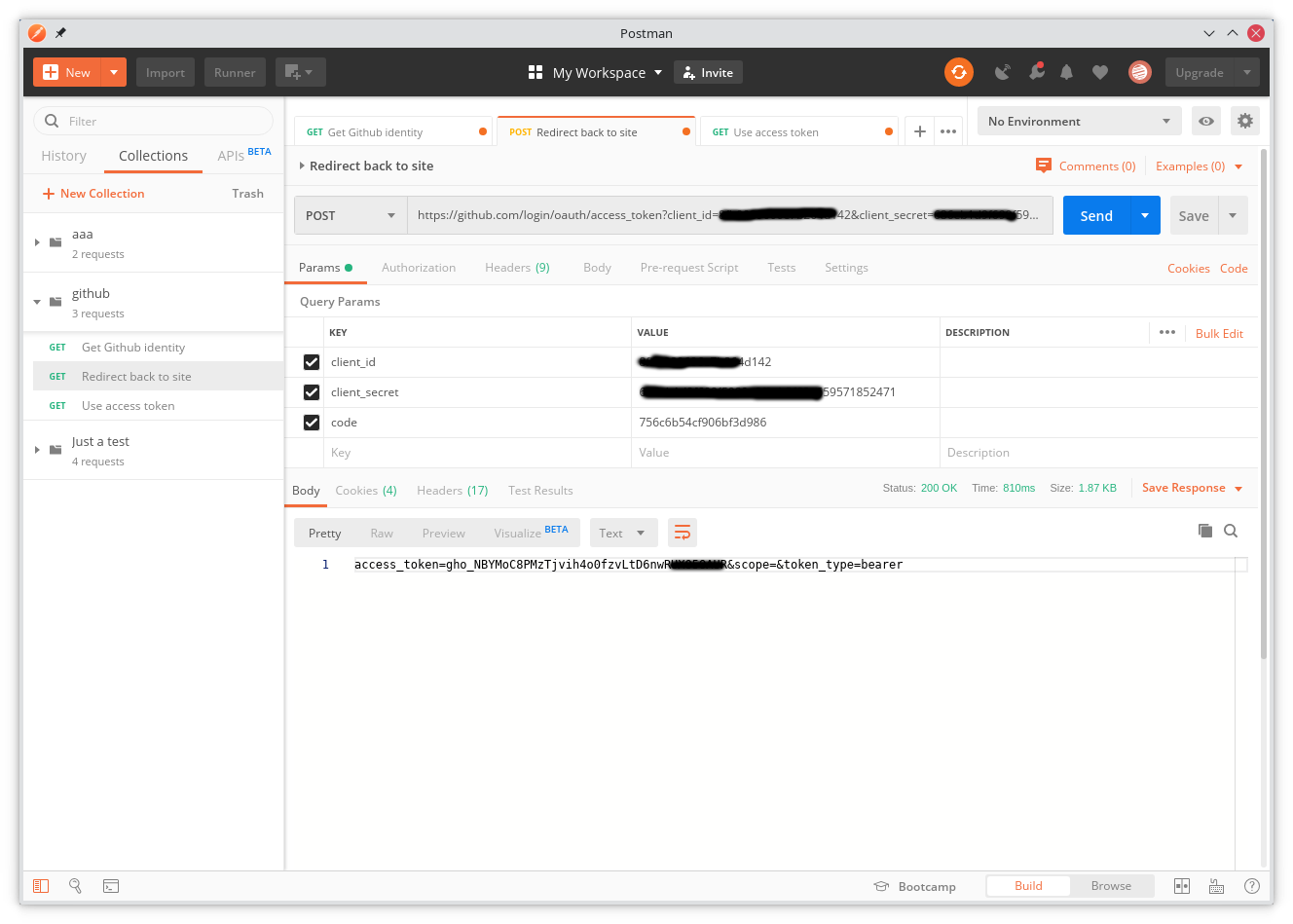
The callback URL receives a
codeused later to exchange for anaccess_token.
Smoke-test with Postman