A Quick Introduction to the MongoDB Cloud Platform
What Is MongoDB Cloud
At the core of MongoDB Cloud is MongoDB Atlas, a fully managed cloud database for modern applications. Atlas is the best way to run MongoDB, the leading modern database. MongoDB's document model is a faster way to innovate, bringing flexibility and ease of use to the database.
That is the official description. Next, let's look at the pricing:
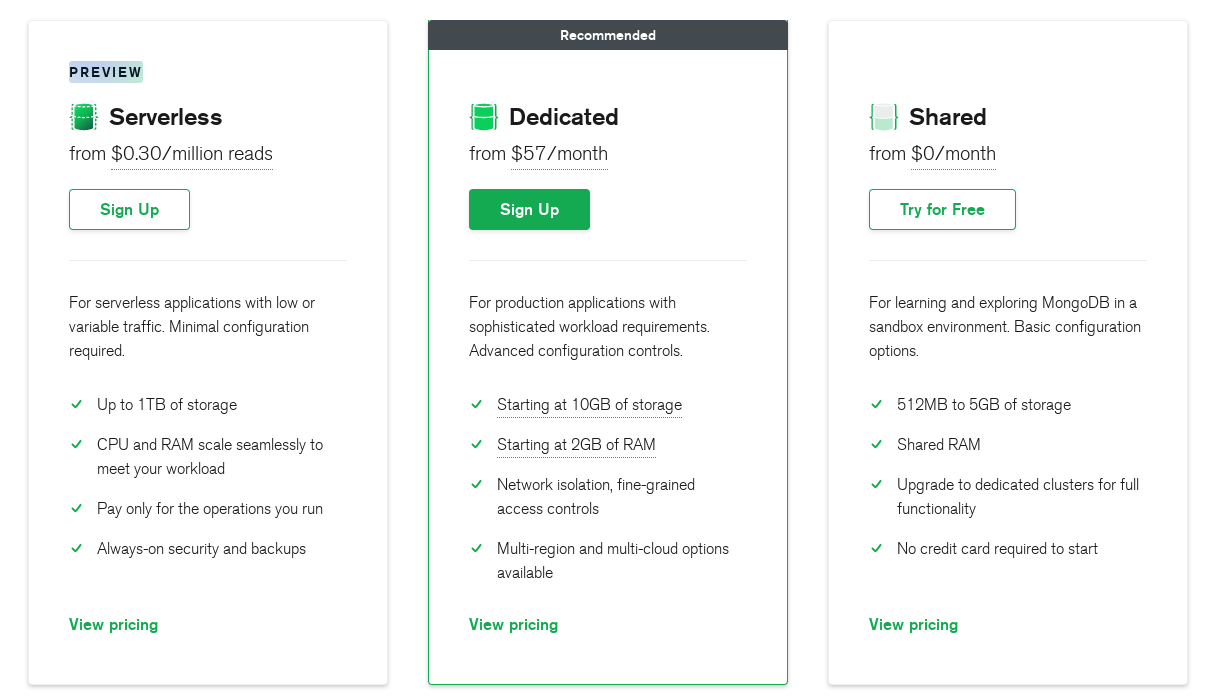
As you can see, there is a free shared tier. It runs as a sandbox environment and already includes basic data storage. If you need more storage, network isolation, and so on, consider the other two tiers.
Creating a DB Cluster
Log In
First, log in to your MongoDB Cloud account. If you don't have one, create an account, log in, and go to the Dashboard:
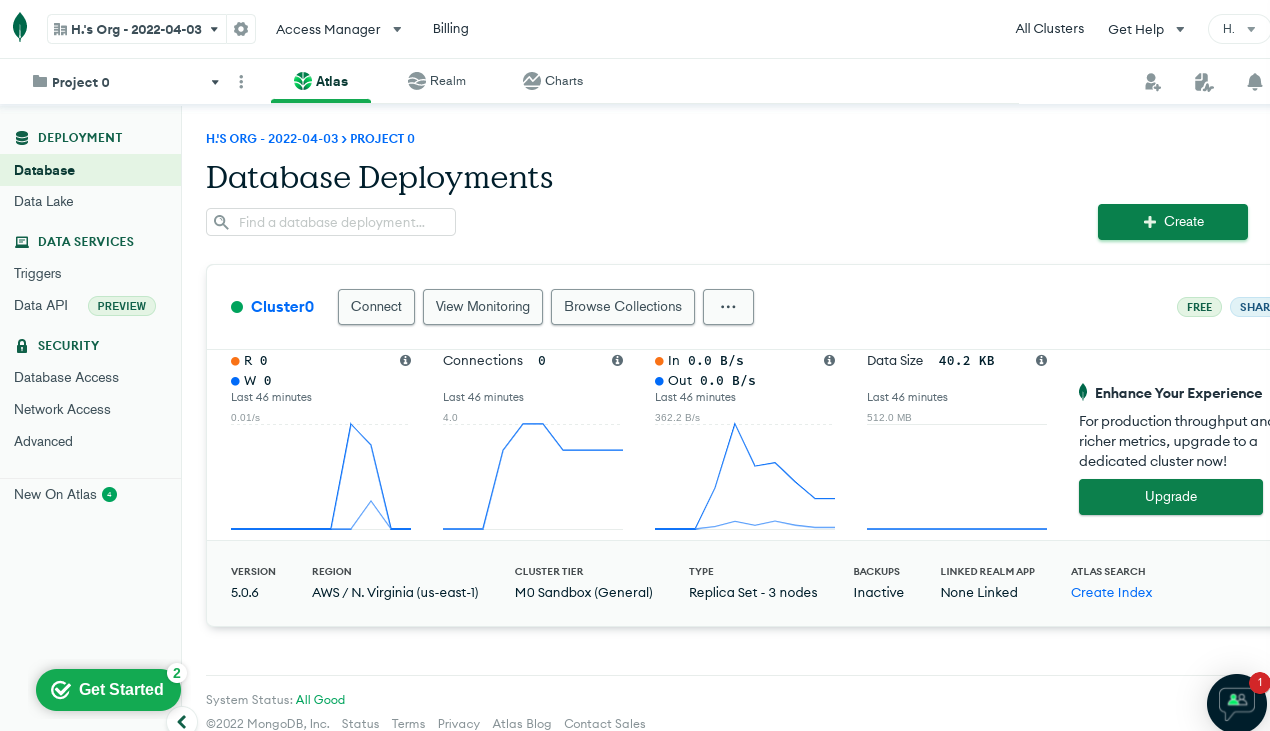
Note: a cluster has already been created in the screenshot above.
Create a Cluster
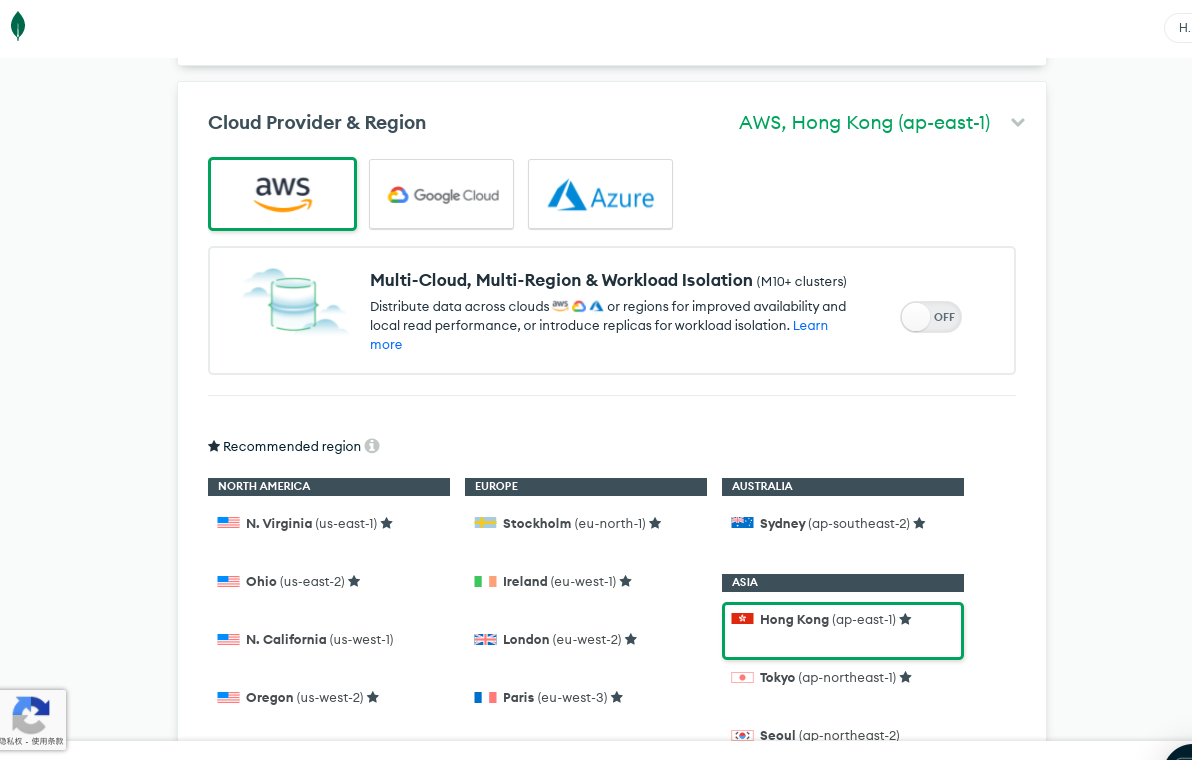
From the Dashboard you can create a cluster and configure it, including the data region, the cloud provider, and other settings. 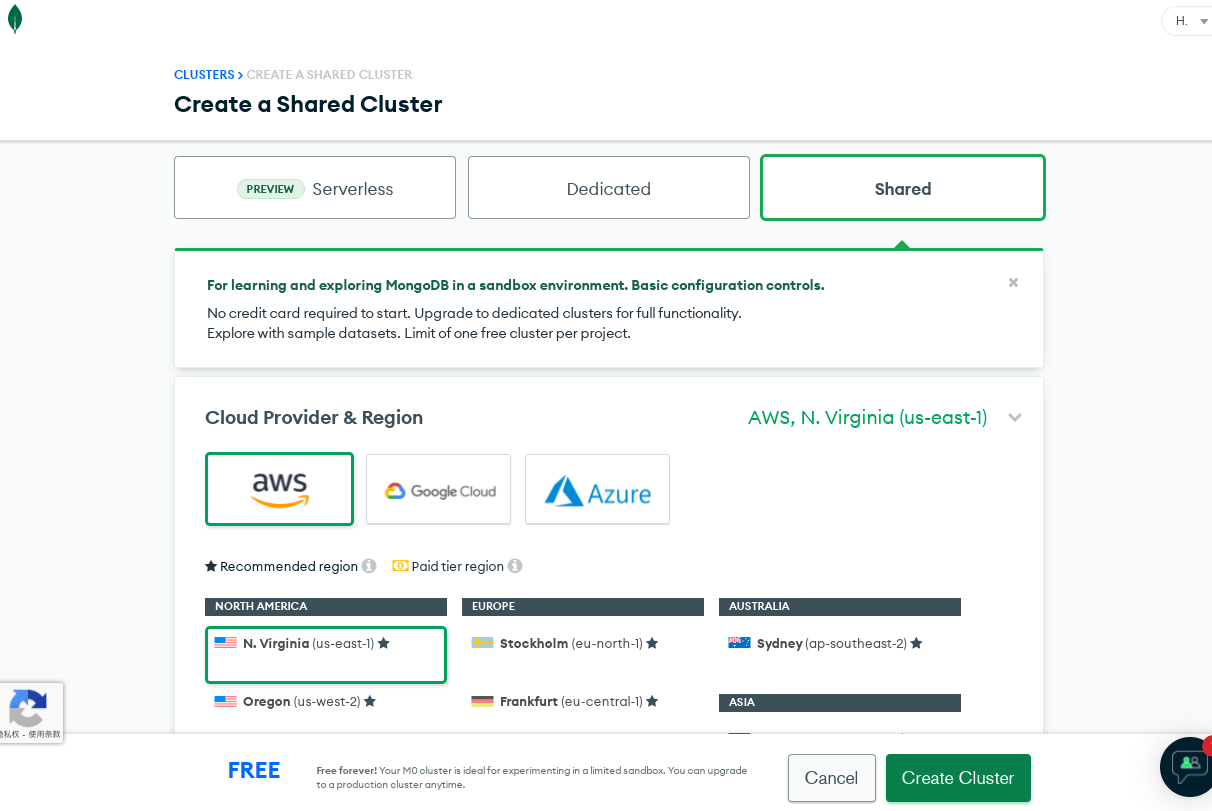
Pick a low-latency data region based on your service needs:
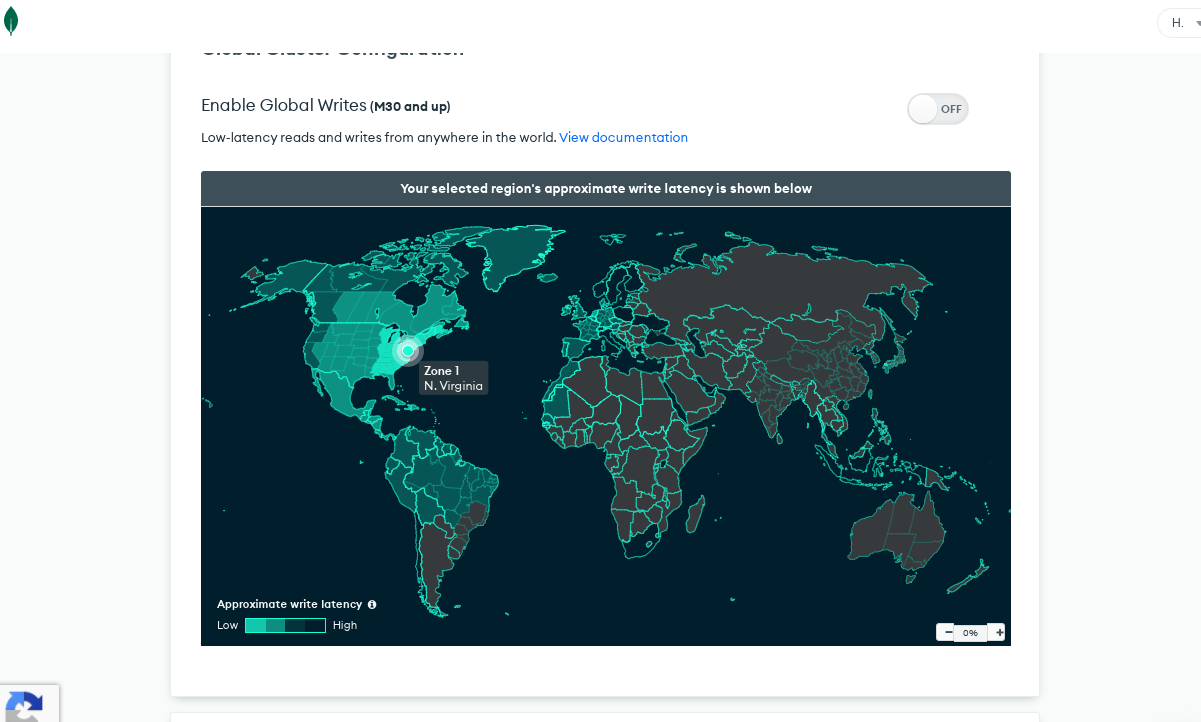
And the cloud provider:
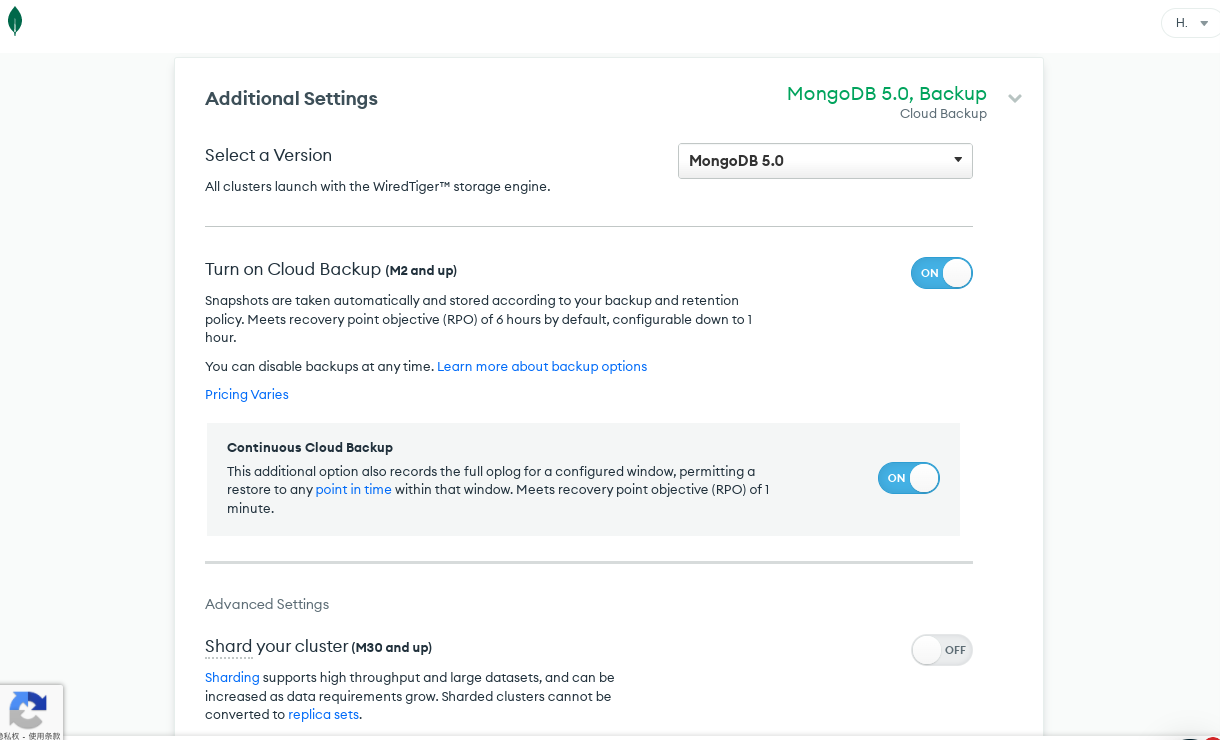
You can also configure some additional cluster settings (for example, the database version to use):
Configure the Cluster
The configuration is fairly simple and has two main parts: under Data, trigger configuration; under Security, database user configuration and network access configuration.
Database user configuration adds users who can access the database, including setting a username and password; certificate-based authentication is also an option:
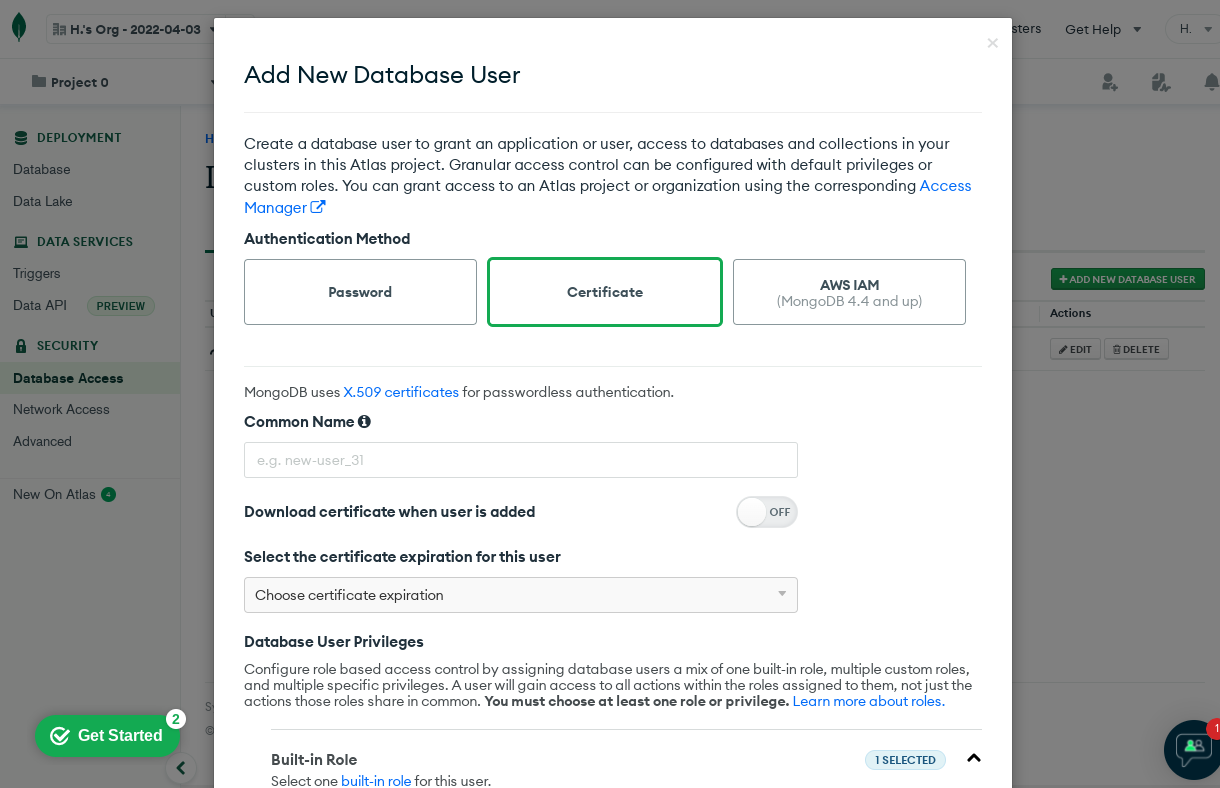
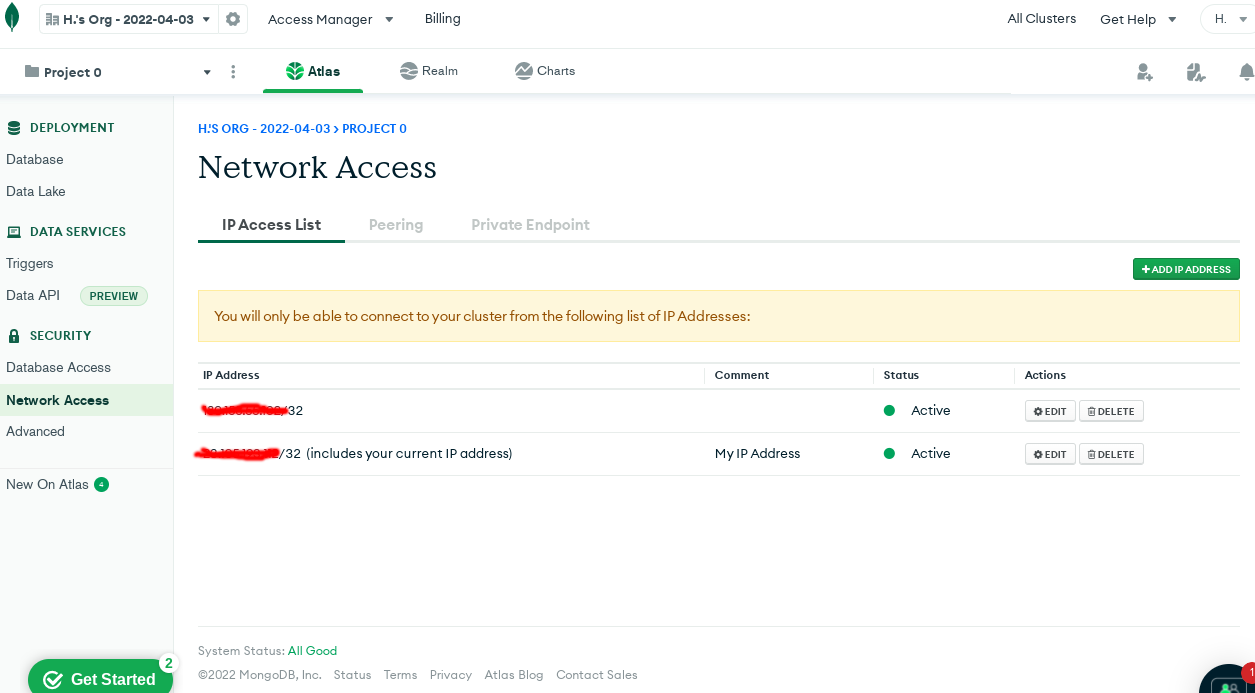
After creating a user, we still cannot log in to the database: we also need to add our client's IP address to the allowlist:
Note:
Don't forget to add your IP to the allowlist, or connections will fail.
Connecting to and Using the DB Cluster
On the client, use mongo to connect to the cloud cluster we just created:
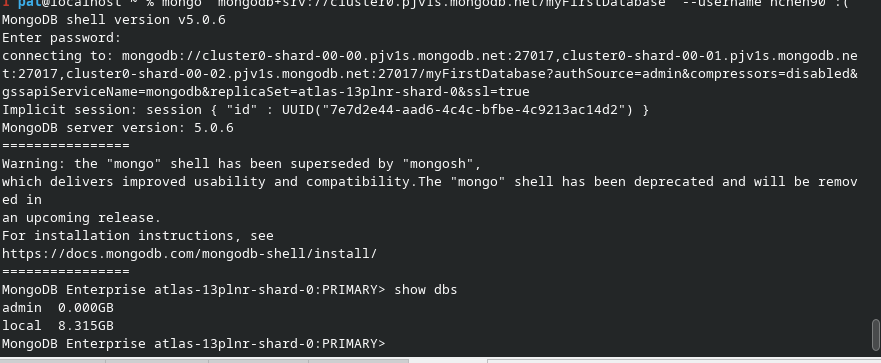
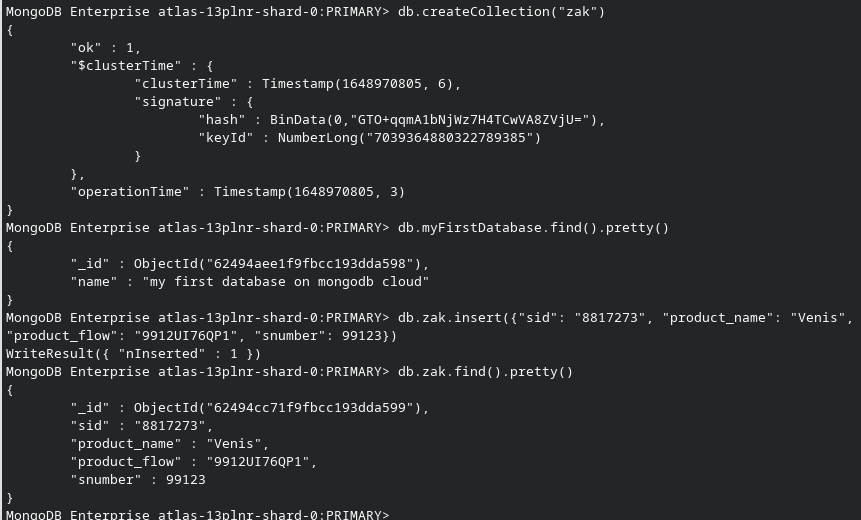
Once connected, you can write some data into it: