A First Look at the OpenAI API
Introduction
Artificial intelligence is nothing new; it has been developing for many years, and along with it came the numerical, matrix, graphics, and algorithm libraries that form the ecosystem AI needs.
AI has in fact matured over many years of development, but its presence in everyday life has been fairly subtle, so it rarely drew attention. This time, ChatGPT showed off its powerful language capabilities, which, combined with steadily improving AI algorithms, made it a huge hit and let people see the most accessible result of deep learning.
You can use ChatGPT directly in the browser, where you ask questions in a chat interface.
These answers are produced by calling the core large language model. OpenAI exposes this as an API: the web app uses it, and third parties access the LLM service through the same API. So we can call the API ourselves to get AI-powered Q&A (completions) and integrate AI into our own demo programs.
A First Look at the API
This post focuses on calling the API from a program; it does not cover how to access ChatGPT or register an account.
Get an API Key
Log in, go to the API Keys page, and click Create new secret key to generate a key for API authentication.
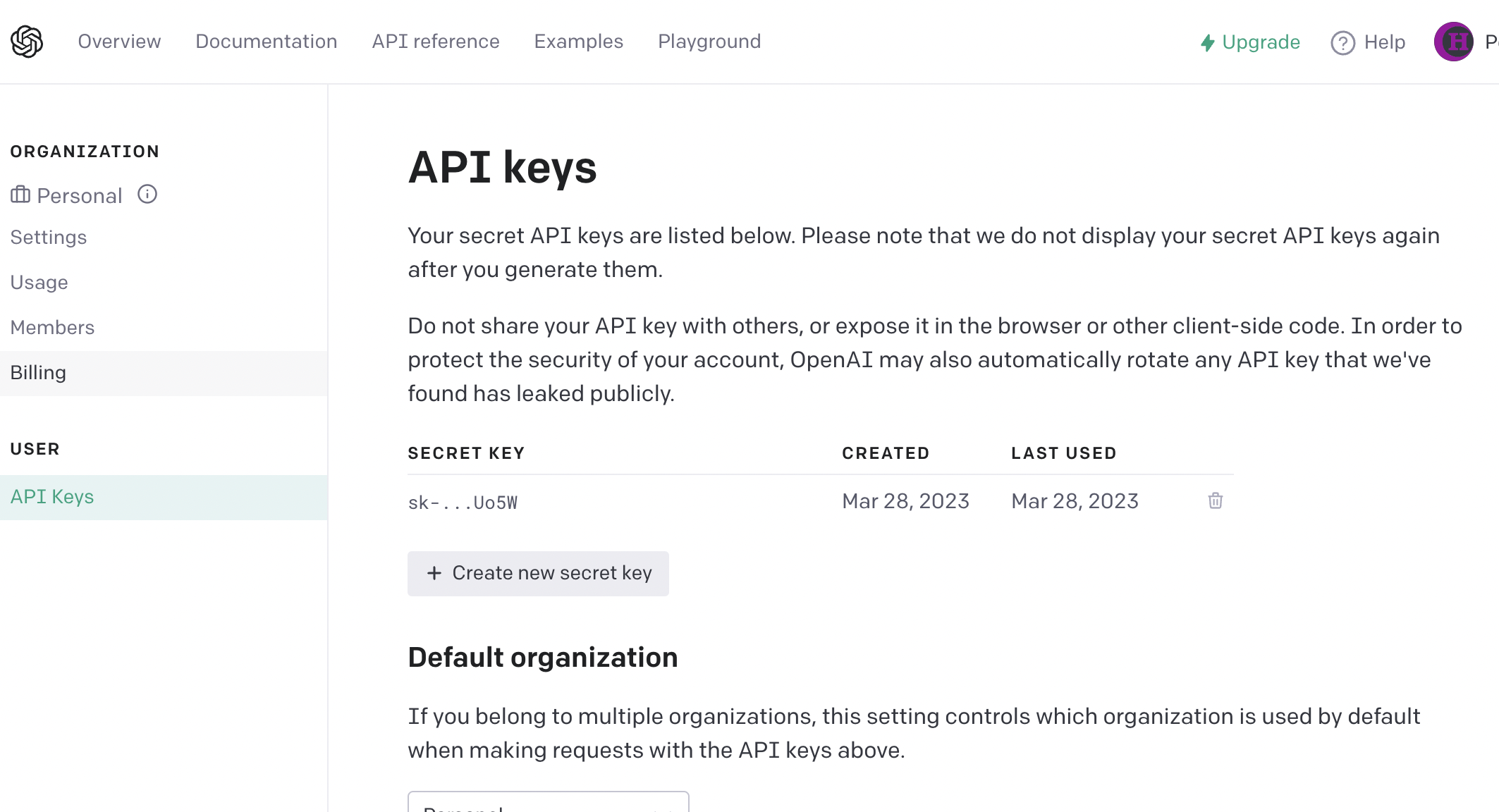
Features
The API is made up of several parts.
Chat Completions
Chat completion is one of the key features. The AI behind it can quickly build up knowledge structures and has fairly accurate language understanding and responses.
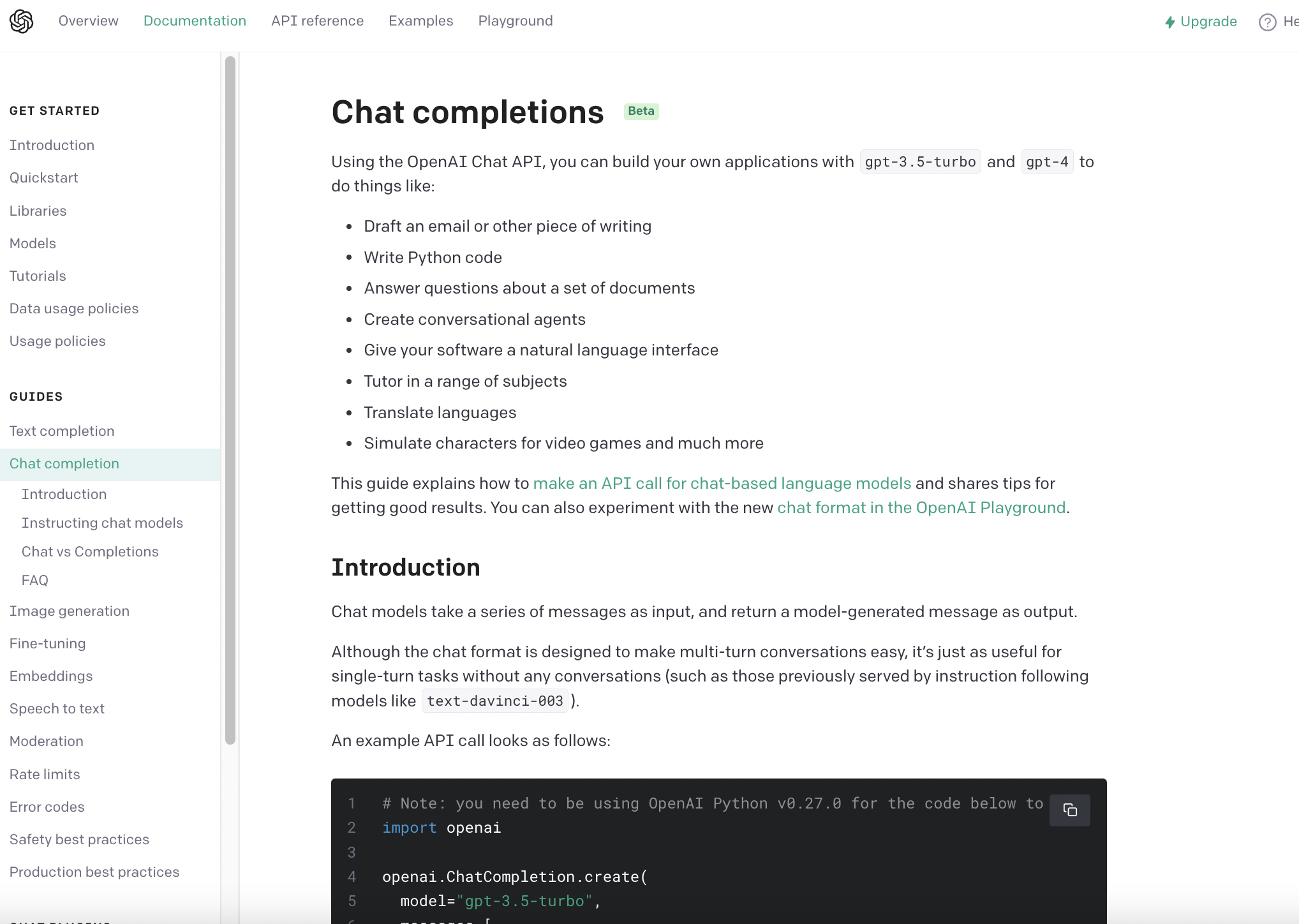
The official API documentation describes each API call in some detail:
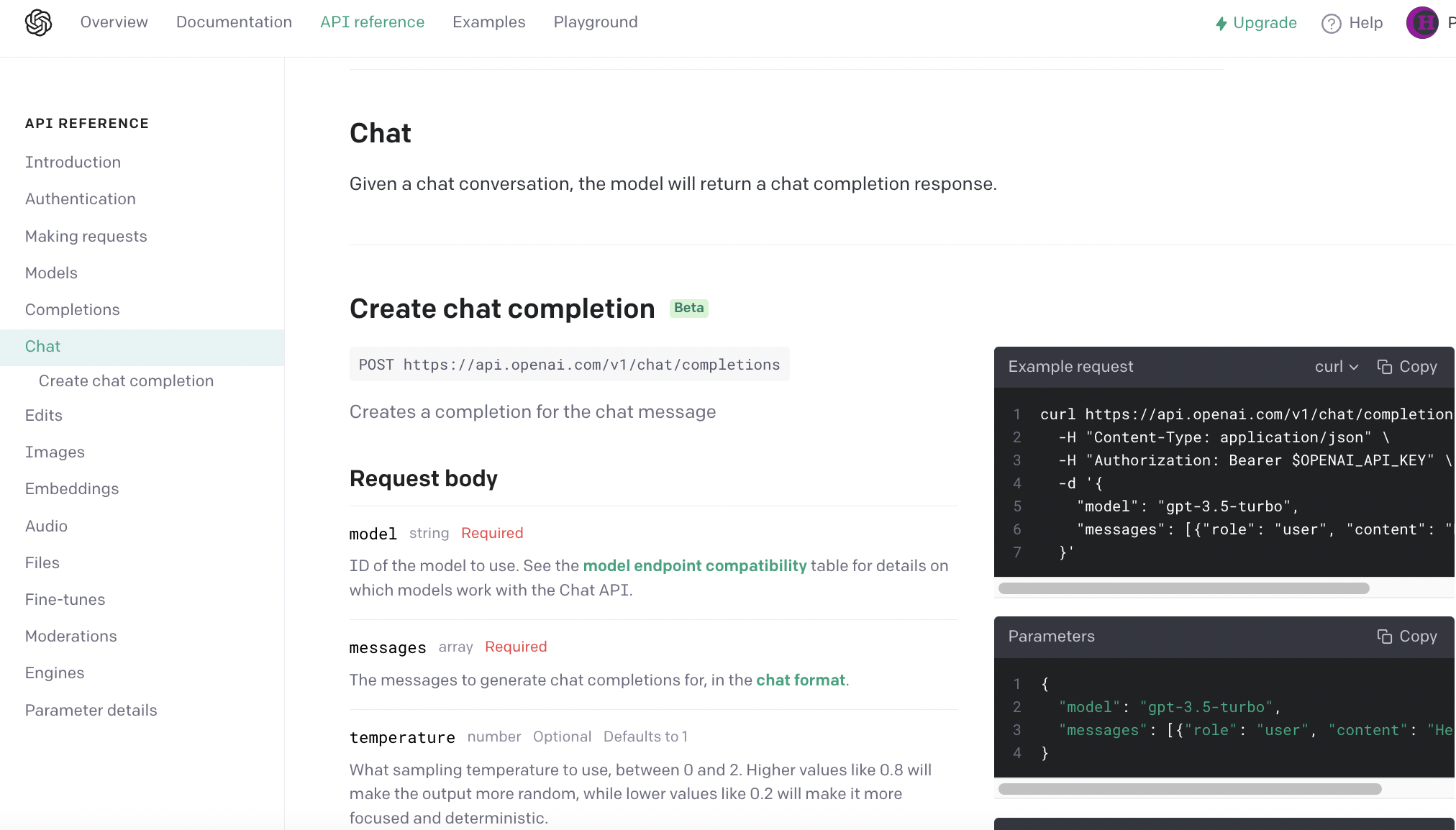
It shows the chat request format. Here is an example request I sent:
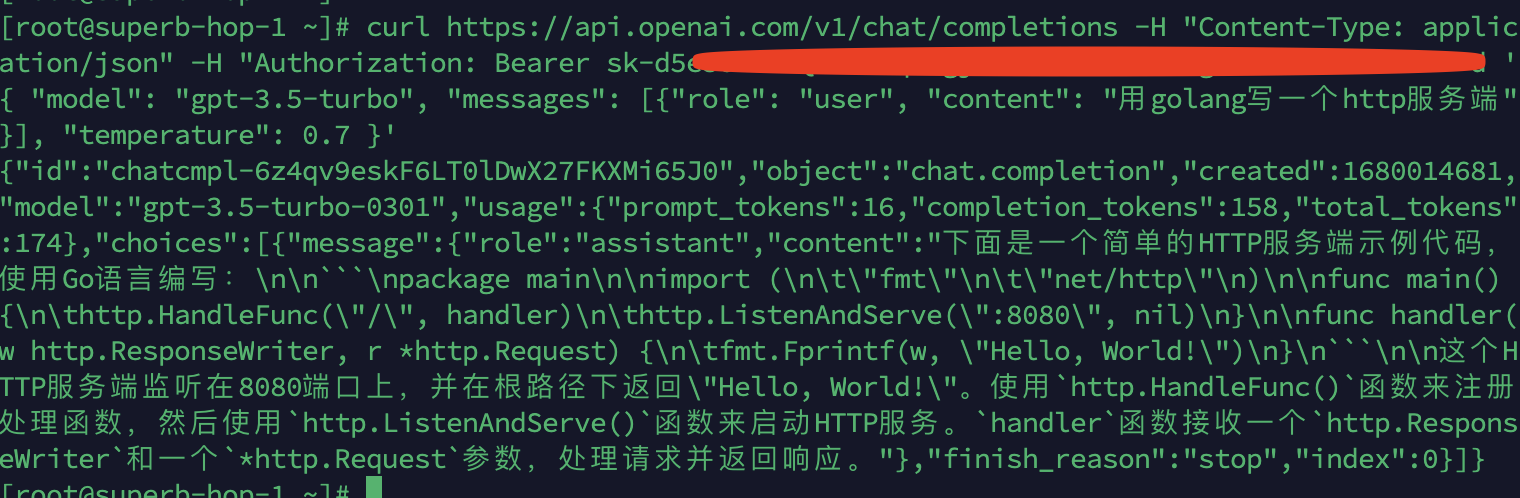
The response is broadly the same as what the web version of ChatGPT returns.
Image Generation
Image generation is another key feature. Here is its API documentation:
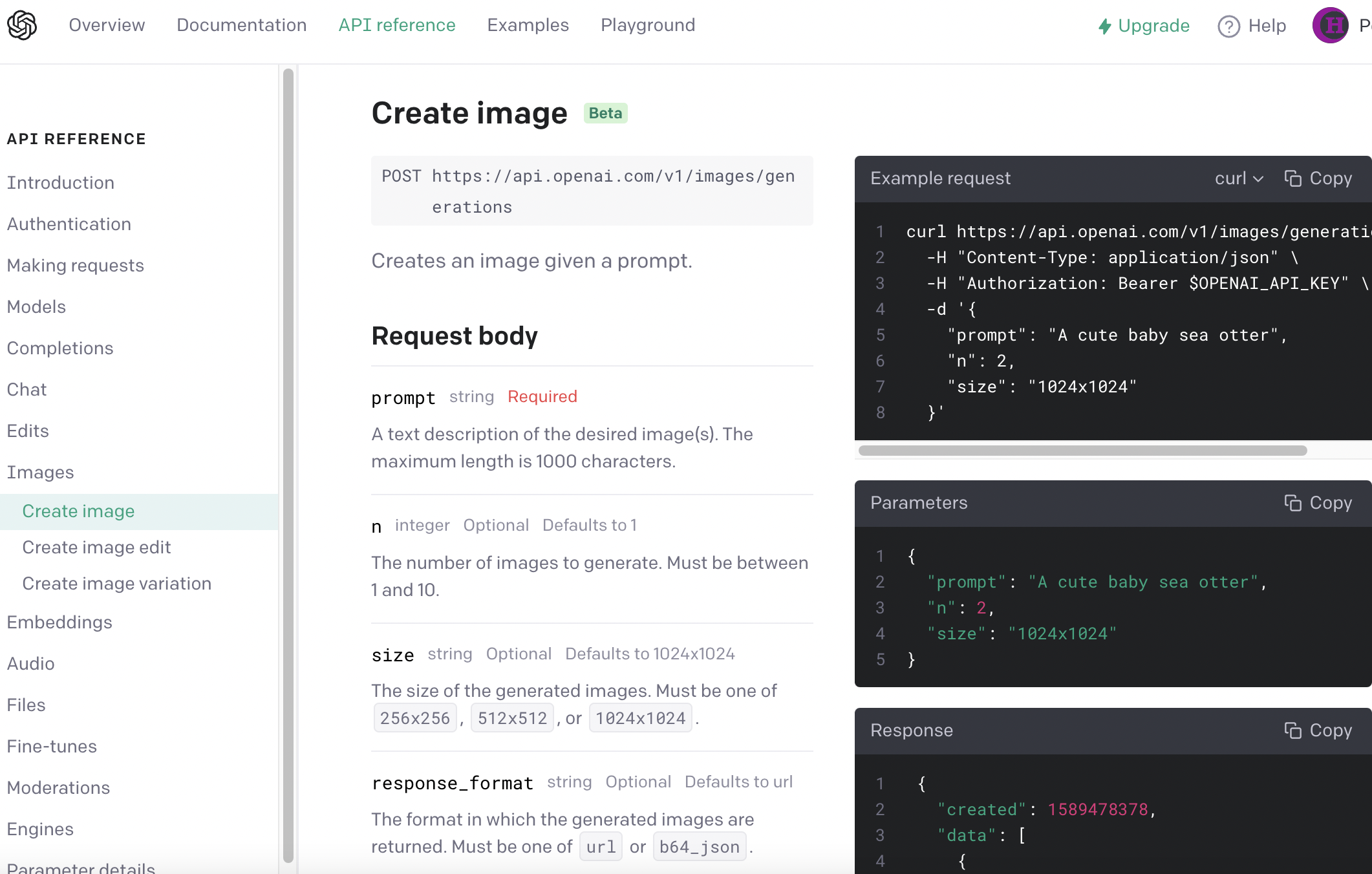
An example call:
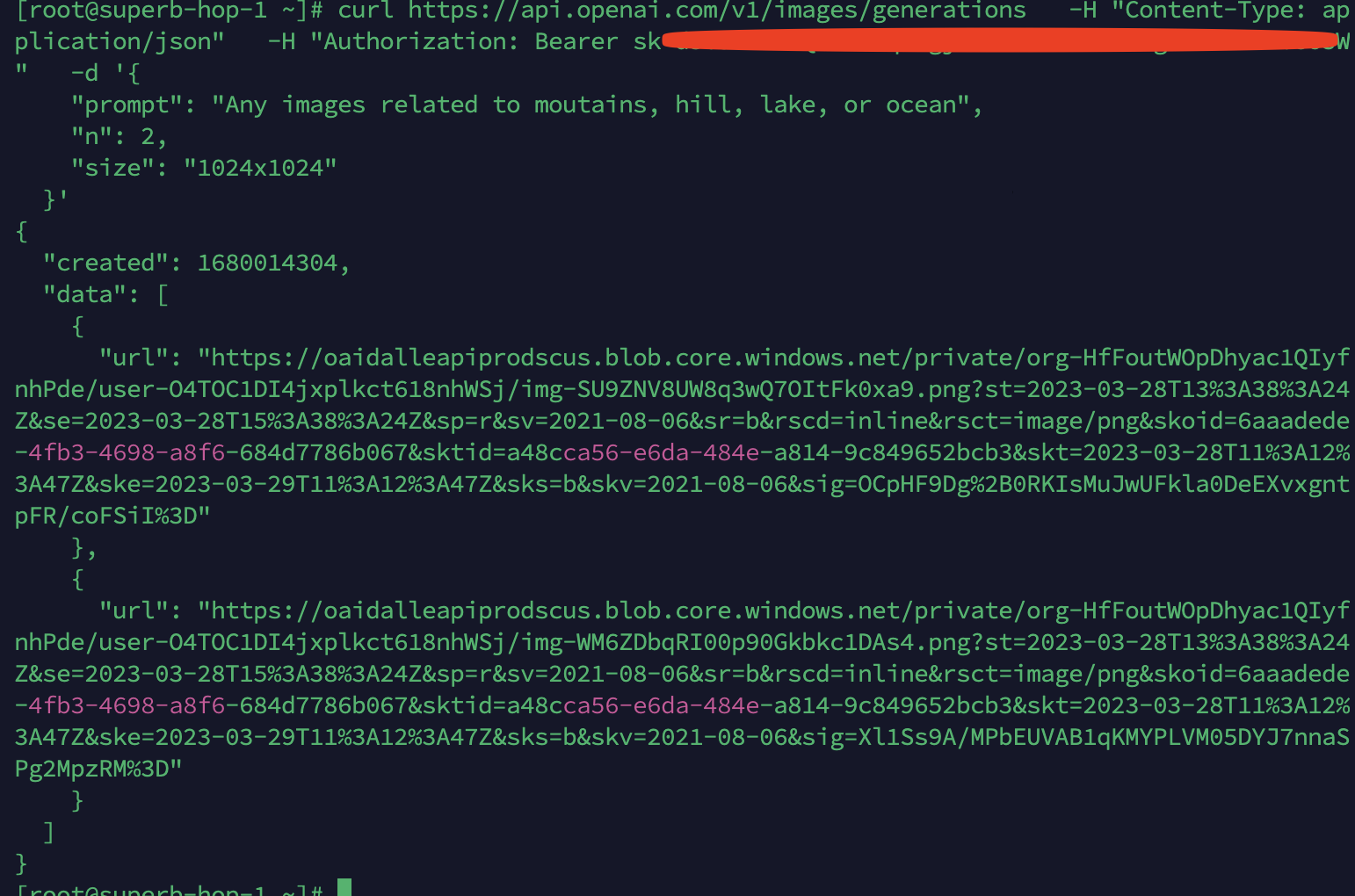
You can open the link to the generated image:

Others
Other parts include text completion, speech-to-text, and more. Check the official site if you're interested.
Applications
Here is an interesting open-source project on GitHub that demonstrates ChatGPT running on DOS: project link.
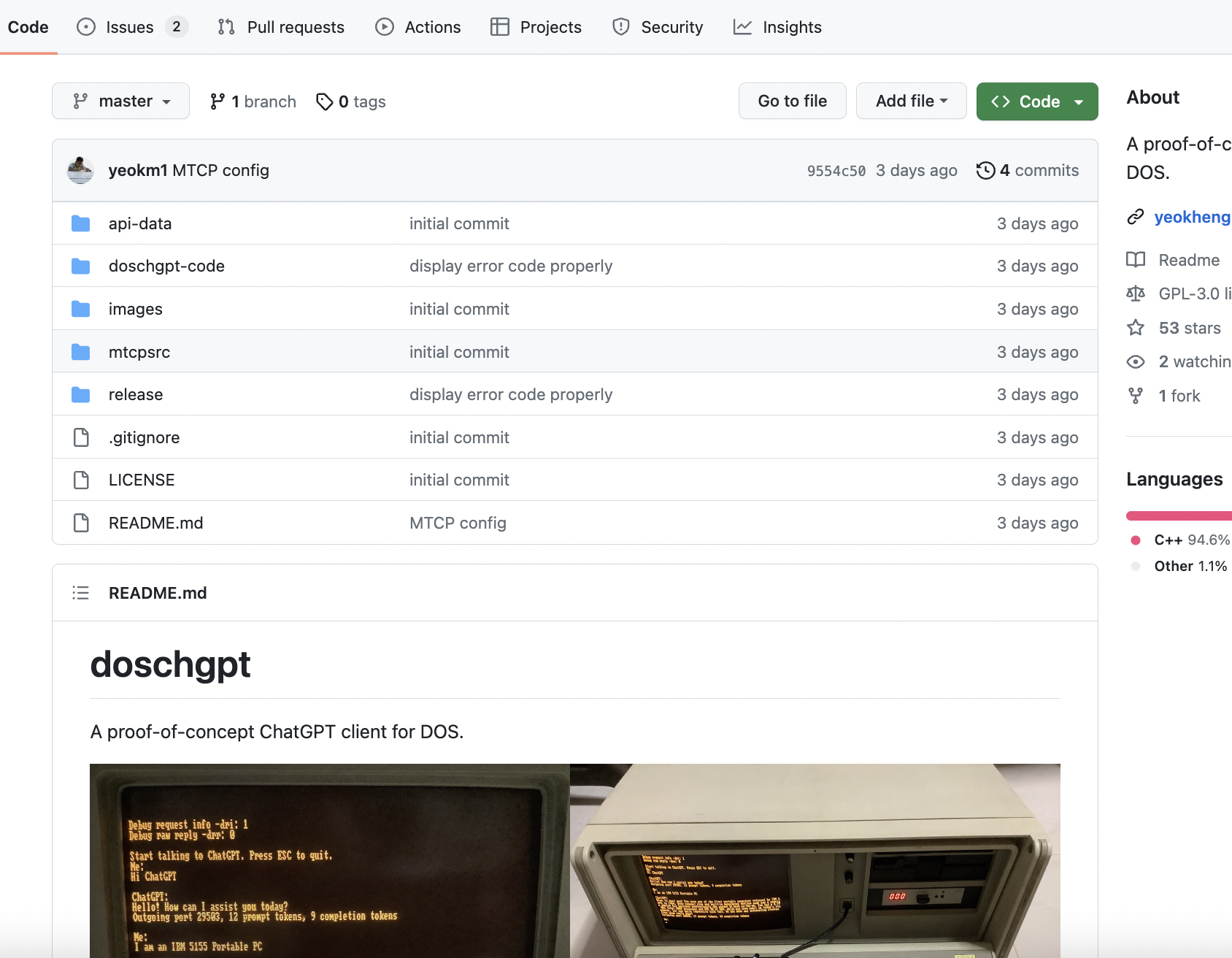
Caveats
Things to keep in mind:
- The ChatGPT website is not accessible from mainland China; you need a proxy to reach it
- The free tier of the OpenAI API is rate-limited; once you hit the request threshold, requests get throttled
- The paid tier of the OpenAI API does not work well with international credit cards issued in mainland China (even if payment succeeds, the account may still risk being banned)
A free account is usually enough for casual use. If you really need the advanced models, there are workarounds (many options; the main idea is to go through model resellers/proxy providers).